Breaking: Ubuntu 26.04 LTS 'Resolute Raccoon' Ships Without Xorg – Wayland-Only Desktop Marks Historic Shift
Canonical has officially released Ubuntu 26.04 LTS, codenamed 'Resolute Raccoon', in a move that signals the end of an era for the Linux desktop. For the first time in the distribution's history, a Long-Term Support (LTS) version ships exclusively with the Wayland display server, completely dropping the legacy Xorg session.

"This is a landmark release for Ubuntu," said Mark Shuttleworth, Canonical's CEO. "We have been transitioning to Wayland for years, and with the stability and performance improvements in GNOME 50, we are confident that users will have a superior experience without Xorg."
Wayland-Only Desktop and GNOME 50
The new release is built on the GNOME 50 desktop environment, which has been optimized for the Wayland protocol. The result is smoother graphics, better multi-monitor support, and enhanced security. Canonical also replaces the default video player and system monitor with new, modernized applications designed to fully leverage Wayland's capabilities.
Linux 7.0 Kernel Powers the Release
Under the hood, Ubuntu 26.04 LTS runs on the latest Linux 7.0 kernel, bringing improved hardware support, better performance for modern CPUs and GPUs, and advanced power management features. The kernel update is critical for the Wayland-only stack, as many drivers have been refined for the new display system.
"Linux 7.0 is a major step forward, especially for desktop use cases," noted Dr. Sarah Chen, a kernel developer at the Linux Foundation. "Combined with Wayland, it offers a more responsive and secure user experience."
App Center Gains Deb Package Management
Ubuntu's App Center now includes full support for Deb package management, allowing users to install, update, and remove traditional Debian packages directly from the graphical interface. This expands the software ecosystem significantly, as many third-party applications still distribute via Deb files.
Support: 5+5 Years with Ubuntu Pro
Standard support for Ubuntu 26.04 LTS includes five years of updates, with an additional five years of security coverage available through an Ubuntu Pro subscription. This makes the release attractive for enterprise deployments requiring long-term stability.
Background
Ubuntu has gradually moved away from Xorg since version 17.10, when Wayland became the default session option. However, previous LTS releases retained Xorg as a fallback. With 26.04, Canonical has determined that Wayland is mature enough for broad adoption. The decision follows years of testing and community feedback.
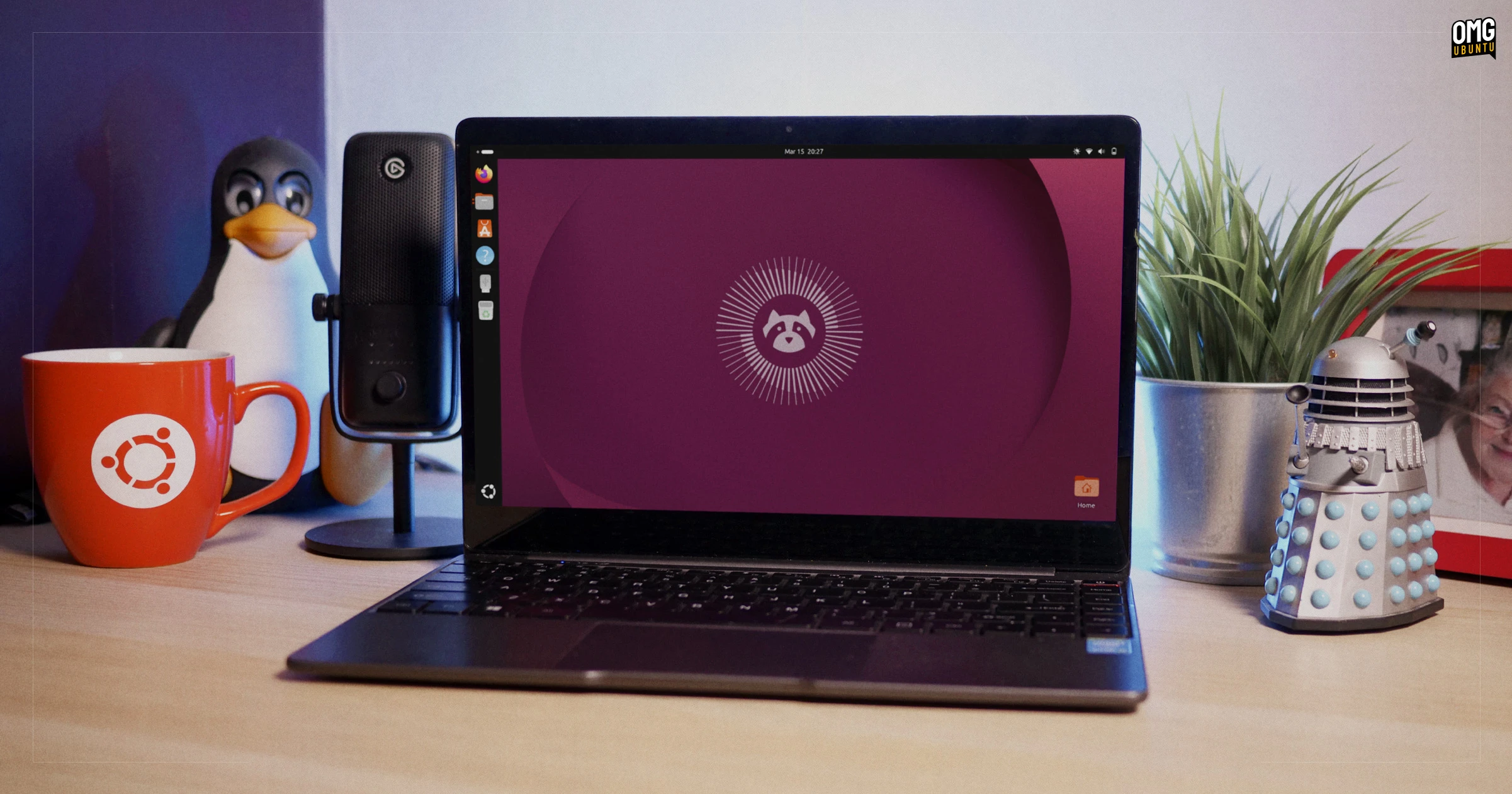
The GNOME 50 desktop is a significant update, with improved performance and a refined user interface. The new video player and system monitor are built using modern GTK4 toolkits and leverage Wayland's direct rendering capabilities for smoother playback and real-time system insights.
What This Means
For everyday users, the transition to a Wayland-only desktop means a more responsive and secure environment. Legacy Xorg applications that rely on specific features may no longer work, but most modern software is already Wayland-compatible. Users who need Xorg can explore third-party solutions or virtual machines.
For enterprise and IT administrators, the 10-year support window (with Ubuntu Pro) provides a stable platform for critical infrastructure. The adoption of Wayland simplifies graphics stack management and reduces potential security vulnerabilities. However, organizations still dependent on Xorg-specific tools should plan a migration strategy.
"This release is a clear signal that the Linux desktop is evolving," commented open-source analyst Thomas Parker. "Canonical is betting that most users are ready to leave Xorg behind. It's a bold move, but one that aligns with the industry's trajectory."
Users upgrading from Ubuntu 24.04 LTS should review their application compatibility before proceeding. The complete list of changes and a detailed upgrade guide can be found in Canonical's official release notes.
This breaking news article will be updated as more details emerge. For ongoing coverage, check our Background and What This Means sections.