Quick Facts
- Category: Reviews & Comparisons
- Published: 2026-05-03 04:41:31
- Getting Started with Sealed Bootable Containers for Fedora Atomic Desktops
- How to Leverage Open-Source Hardware Security Modules for Cloud Trust: The Azure Integrated HSM Approach
- Mastering Swift Internals: A Developer’s Guide
- How to Build and Scale AI Systems with Kubernetes: A Practical Guide
- How Freezing and Thawing May Have Jumpstarted Life on Early Earth
If you own a managed network switch, you’ve probably noticed a small slot labeled SFP that you’ve never plugged anything into. Most home networkers ignore it, thinking it’s only for enterprise setups. But that little port is actually a gateway to better performance, longer reaches, and cleaner cabling. In this Q&A, we’ll explain what SFP ports are, why they’re so valuable, and how you can finally put yours to work.
What exactly is an SFP port on a switch?
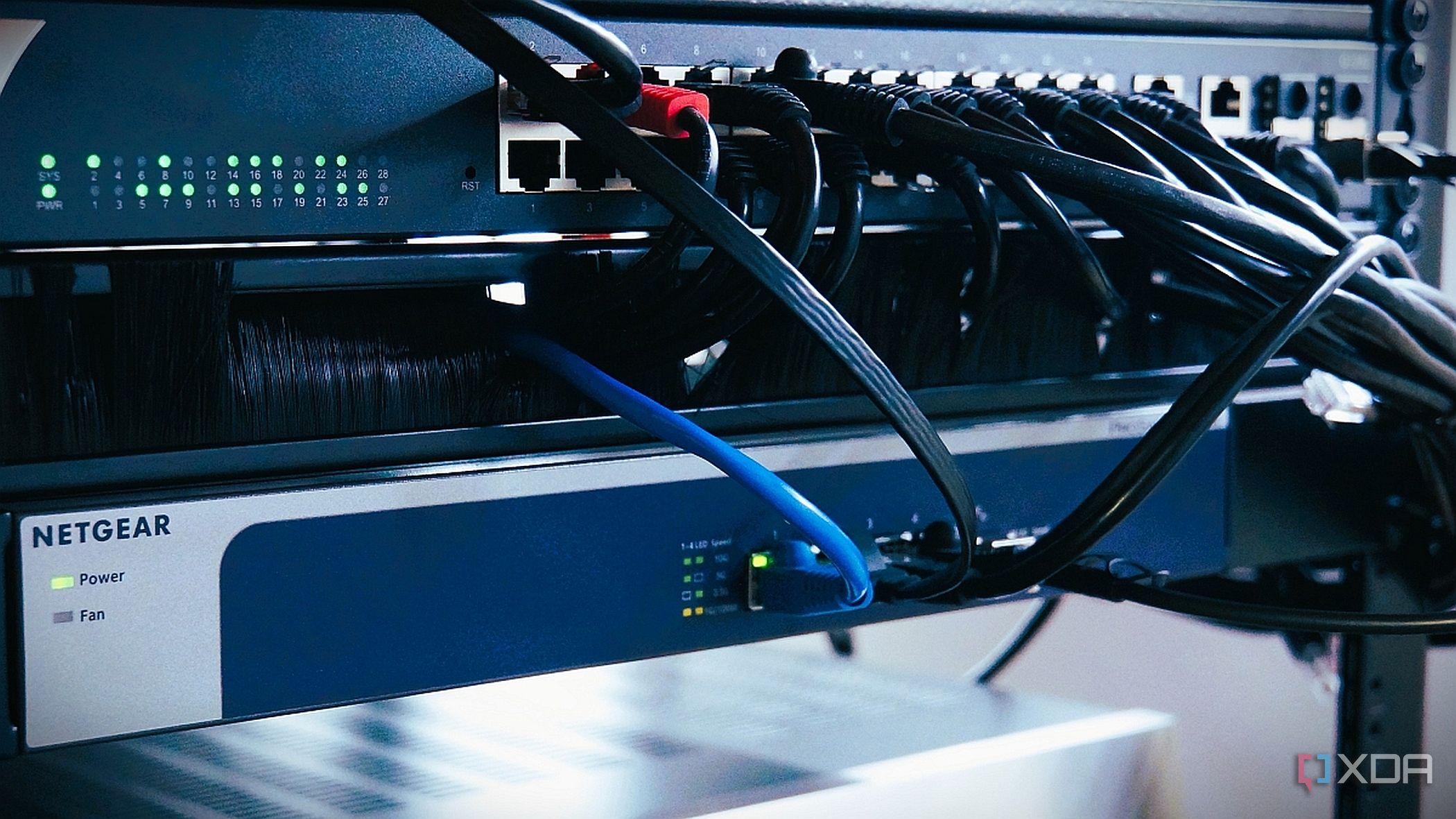
An SFP (Small Form-factor Pluggable) port is a modular slot that accepts different types of transceivers, allowing your switch to connect to various network media. Unlike fixed RJ45 Ethernet ports, an SFP port can be fitted with a fiber optic module for long‑distance links or a copper module to connect to standard Ethernet cables. This flexibility makes SFP ports ideal for uplinks between switches, connections to servers, or linking to devices in different rooms. Because the port itself is just an empty cage, you choose the module that matches your physical layer—so you can upgrade later without replacing the switch.
Why do so many home users leave their SFP port unused?
Most consumer and prosumer switches come with plenty of RJ45 ports, so people assume the SFP slot is only for specialized business gear. There’s also the perception that fiber optics are expensive, fragile, or difficult to terminate. In reality, SFP modules and pre‑terminated patch cables are very affordable (often under $20 for a short run), and copper SFP modules let you use plain Cat6 cables. The main reason the port stays empty is simply lack of awareness—users don’t realize it can serve as a high‑speed uplink that frees up regular ports and reduces network congestion.
What kinds of devices can I connect to an SFP port?
You can connect virtually any device that has a compatible SFP or RJ45 port. Common uses include:
- Another switch – Create a high‑speed backbone between two switches using fiber or a direct‑attach copper cable.
- A router or modem – Some ISPs now provide fiber ONTs with an SFP port; plugging directly into your switch’s SFP eliminates an extra media converter.
- A NAS or server – If your NAS has an SFP+ slot, you can achieve 10 Gbps links at lower cost than using multiple RJ45 ports.
- Wireless access points – Many enterprise APs have SFP uplinks; using fiber avoids electrical interference over long runs.
The key is to pick the right module: copper for short distances (up to 100m) and fiber for longer runs or when you want to avoid running copper cable near power lines.
How does using the SFP port improve my network compared to using an RJ45 port?
Using the SFP port gives you several advantages. First, it often supports higher speeds—many switches have one SFP port that can run at 1 Gbps, 2.5 Gbps, or even 10 Gbps, while the RJ45 ports max out at 1 Gbps. This makes the SFP port ideal for uplinking to your main router or to another switch. Second, fiber optic cabling is immune to electromagnetic interference, which is great for running cables near power lines or through noisy environments. Third, fiber can travel much longer distances—up to several kilometers without repeaters—so you can connect devices in different buildings or far corners of a property. Finally, using the SFP port for an uplink frees up a regular RJ45 port for other wired devices.

Should I use a copper SFP module or a fiber SFP module?
The choice depends on your distance and environment. Copper SFP modules (often called 1000BASE‑T) let you use standard Cat5e or Cat6 cables, so you can keep using existing wiring. They work up to 100 meters and are generally cheaper upfront. Fiber modules require either single‑mode or multi‑mode fiber cables, which are more expensive per meter but allow much longer runs (up to 550m for multi‑mode, many km for single‑mode). Fiber also offers better isolation from electrical noise and can be more reliable in high‑EMI areas. For most home users, a copper SFP module is the easiest way to get started—just plug it into the SFP port and connect a regular Ethernet cable. But if you need to span distances over 100 meters or want future‑proofing, fiber is the way to go.
How do I choose the right SFP module for my switch?
First, check your switch’s specifications for supported module types and speeds. Most managed switches list compatibility on the manufacturer’s website. Look for modules that are labeled as “compatible with [your brand].” Generic unbranded modules sometimes work, but they may cause link errors or fail to be recognized. Second, match the connector type: LC is common for fiber, while RJ45 is for copper. Third, decide on the distance you need—use multi‑mode fiber (MMF) for runs up to 550 meters and single‑mode fiber (SMF) for longer distances. For copper, any standard CAT6 cable works. Finally, consider speed: if your switch only supports 1 Gbps SFP, don’t buy a 10 Gbps module (unless it’s backward‑compatible, which is rare). A good rule is to purchase from a reputable source and keep the receipt in case compatibility issues arise.
Is it worth the effort to finally use that SFP port?
Absolutely. If you already have a managed switch with an idle SFP port, using it is one of the lowest‑cost network upgrades you can make. A basic copper SFP module costs around $10–15, and a pre‑terminated fiber patch cable is about the same. In return, you get a dedicated high‑speed uplink that can eliminate bandwidth bottlenecks between switches, reduce cable clutter, and give you the flexibility to extend your network to distant rooms or even other buildings. For anyone who wants a more robust, future‑proof home network, plugging in that SFP port is a no‑brainer—it turns a “nice to have” feature into a real performance booster.