Many people don't realize they're using an old charger that drastically slows down their phone's charging speed. Modern smartphones support blazing-fast charging—like the Samsung S26 Ultra reaching a full charge in under 50 minutes—but that's only possible with the right charger and cable. The secret lies in the numbers printed on your charger and the charging protocols it supports. This guide breaks down everything you need to know, so you can finally enjoy the super-fast charging your device is capable of.
Why Is My Phone Charging So Slowly Despite Being New?
Your phone may be new, but your charger could be ancient in tech terms. Older chargers often output just 5 watts (5V/1A), which was fine for earlier phones but now barely keeps up with modern power demands. Flagship devices like the Samsung S26 Ultra require higher wattage—typically 45W or more—to achieve their advertised charge times. If you're using a charger from an older phone or a generic low-wattage block, your handset will still charge, but at a snail's pace. Additionally, the charging cable matters: a cheap cord may not support fast data and power transfer. The result? Your phone might take two to three hours to charge instead of 50 minutes. Check the wattage of your charger (volts × amps = watts) and ensure it matches your phone's recommended specs.
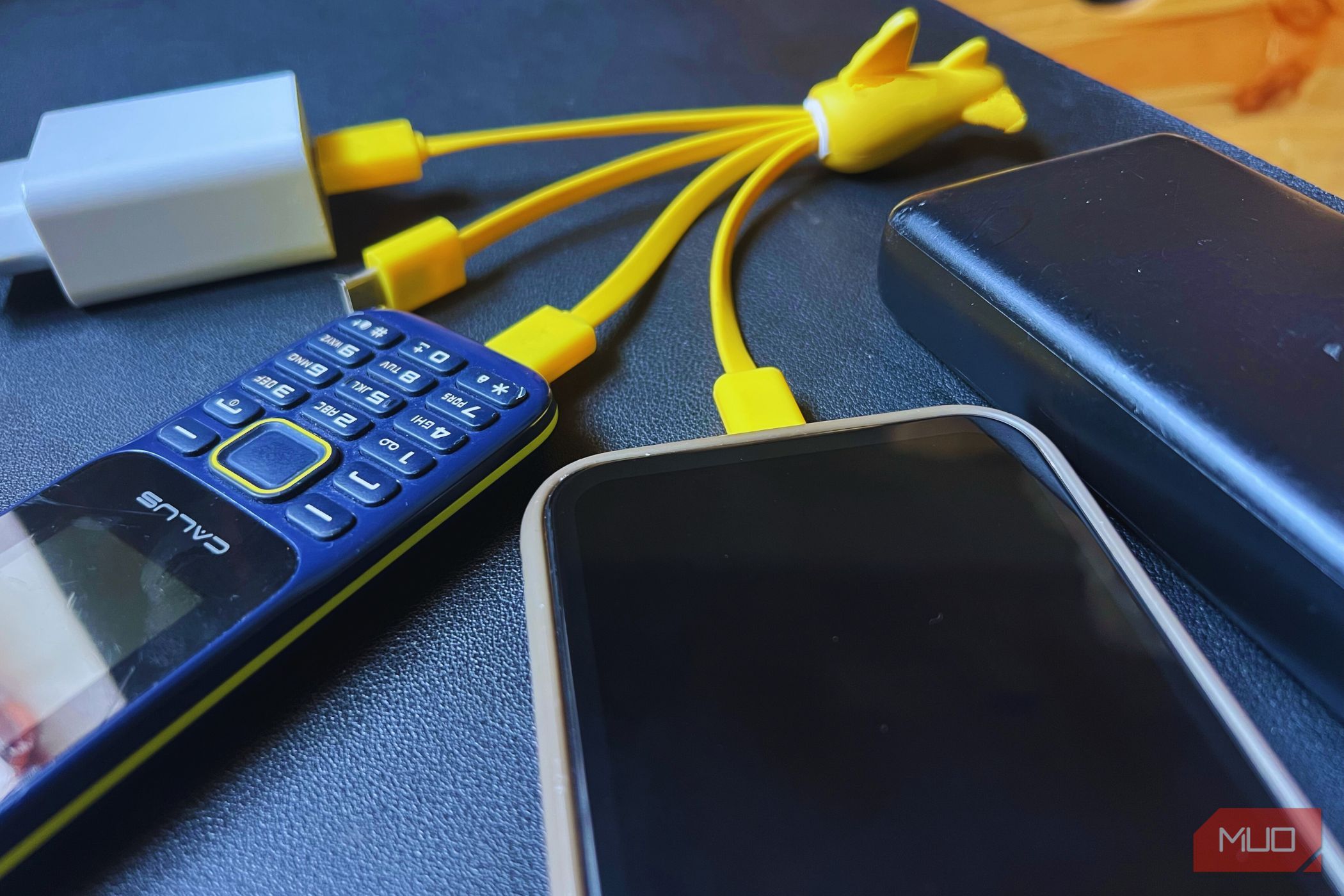
What Do the Numbers on My Charger Actually Mean?
Every charger has small print listing its output, for example, "5V⎓3A" or "9V⎓1.67A." The voltage (V) is the electrical pressure, and amperage (A) is the current flow. Multiply them together to get watts (W), the true measure of power. A standard charger at 5V/2A delivers 10W, while a fast charger might output 9V/3A = 27W. But those numbers don't tell the whole story. Modern fast chargers use variable voltage and amperage to safely push more power without overheating. So seeing multiple output lines (e.g., 5V/3A, 9V/2A, 12V/1.5A) means the charger can dynamically adjust to the best possible speed your phone requests. Understanding these numbers helps you identify whether your charger is a slow, medium, or fast one.
What Are Fast Charging Protocols and Why Do They Matter?
Fast charging isn't just about raw wattage—it relies on communication between phone and charger via a charging protocol. The two most common are USB Power Delivery (USB-PD) and Qualcomm Quick Charge (QC). USB-PD is universal and supports up to 100W, used by iPhones, Google Pixels, and many Android flagships. Quick Charge is found mostly in phones with Qualcomm processors. When you plug in, the phone and charger negotiate voltage and current using the protocol. If your charger doesn't support the same protocol as your phone, it falls back to standard 5V—slow charging. For example, using a Quick Charge 2.0 charger with a USB-PD–only phone will result in sluggish speeds. Always check which protocol your device supports and buy chargers that explicitly list compatibility.
How Can I Know if My Charger Supports Fast Charging?
Look at the fine print on your charger brick. For fast charging, you'll typically see multiple voltage/amperage combinations, like 5V⎓3A, 9V⎓2.22A, 12V⎓1.67A. If it only shows a single rating (e.g., 5V⎓1A), it's almost certainly a slow charger. Also, check for logos: USB-PD (a simple USB shape with a battery) or Qualcomm Quick Charge (a battery icon with a lightning bolt). Many fast chargers also list their maximum wattage prominently, like "45W" or "65W." Additionally, your phone's lockscreen likely shows a special indicator when fast charging is active—often a "Fast Charging" or "Super Fast Charging" message. If you don't see that, your charger is likely too weak. For the best experience, use the charger that came with your phone or one certified for your phone's fast charging standard.
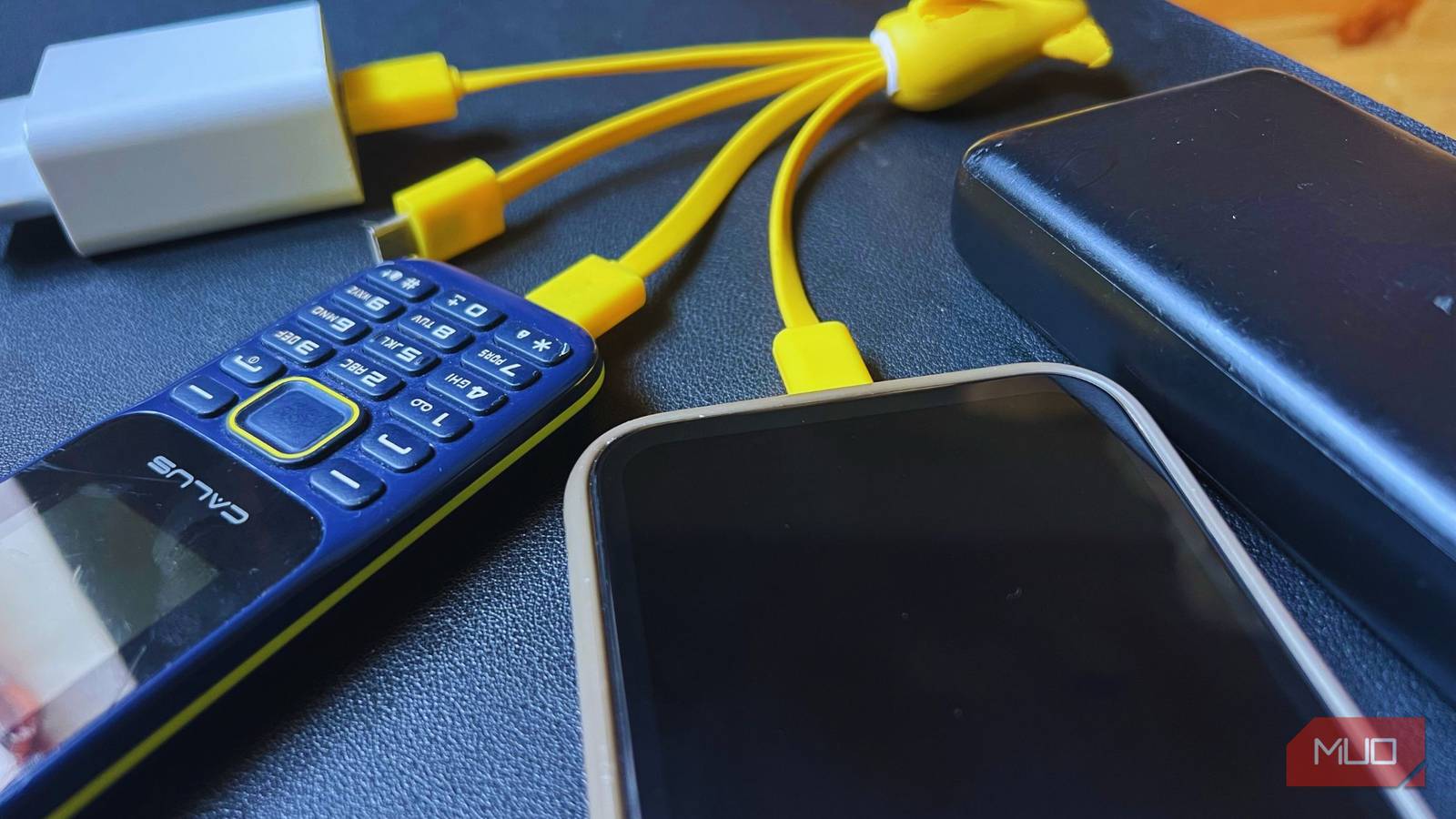
What's the Difference Between Watts, Volts, and Amps?
Think of electricity like water in a pipe. Voltage is the water pressure—how hard the flow pushes. Amperage is the pipe's size—how much water can flow at once. Watts is the total amount of water delivered per second (pressure × flow). For charging, higher voltage allows faster charging without needing thicker cables (which would generate heat). That's why modern fast chargers often boost voltage to 9V or 12V. Amperage can also increase, but too much generates heat. The ideal is a balanced combination. Your phone's internal charging circuit limits the maximum wattage it can safely accept. So a 65W charger connected to a 25W phone will only deliver 25W (the phone's maximum), but it won't damage anything. Using a charger with too little wattage, however, keeps your phone in slow mode.
Does the Charging Cable Affect Speed Too?
Absolutely. A high-wattage charger is useless with a cable that can't handle the power. Many cheap USB-C cables only support 60W or less and lack the circuitry for fast charging protocols. For speeds above 60W, you need a cable rated for e-marked 5A current. Also, the cable must support the same protocol as the charger—some older cables only handle USB 2.0 data speeds and refuse to negotiate fast charging. To avoid frustration, use the cable that came with your phone, or buy one explicitly advertised for your fast charging standard (e.g., USB-PD 3.0 or Qualcomm Quick Charge 4+). A good indicator: if your phone shows "Charging rapidly" with one cable but not another, the cable is the bottleneck. Upgrading it can shave serious time off your charge cycle.