Every week, the GitHub team hosts a live-streamed event called Rubber Duck Thursdays, where they build projects in real time, collaborate with the community, and answer questions. Recently, they created a fun and practical tool using the GitHub Copilot CLI — an AI-powered emoji list generator that runs entirely in the terminal. This article breaks down what the project does, how it was built, and the key technologies involved.
What Is the Emoji List Generator?
In today’s fast-paced social media landscape, you’ve likely seen posts that use bullet lists with relevant emojis to highlight features. For example:
“We shipped the most amazing emoji list generator ever. It:
💻 Works in the CLI
🤖 Uses the Copilot SDK to intelligently convert your bullet points to relevant emoji
📋 Copies the result to the clipboard”
While these lists look polished, manually selecting the perfect emoji for each point can be time-consuming. The Emoji List Generator solves this problem. It’s a command-line interface (CLI) tool that:
- Runs in the terminal – you paste or type a list of bullet points.
- Converts them intelligently – the AI selects appropriate emojis for each line.
- Copies the result to your clipboard – ready to paste into tweets, docs, or any other platform.
This tool is completely free and open source.
How Was It Built?
The project was created during a live stream and leverages several modern technologies:
Core Libraries
- OpenTUI Core – provides the terminal user interface (TUI).
- GitHub Copilot SDK – acts as the AI “brain” that interprets text and selects emojis.
- Clipboardy – handles clipboard operations for easy copying.
Development Workflow
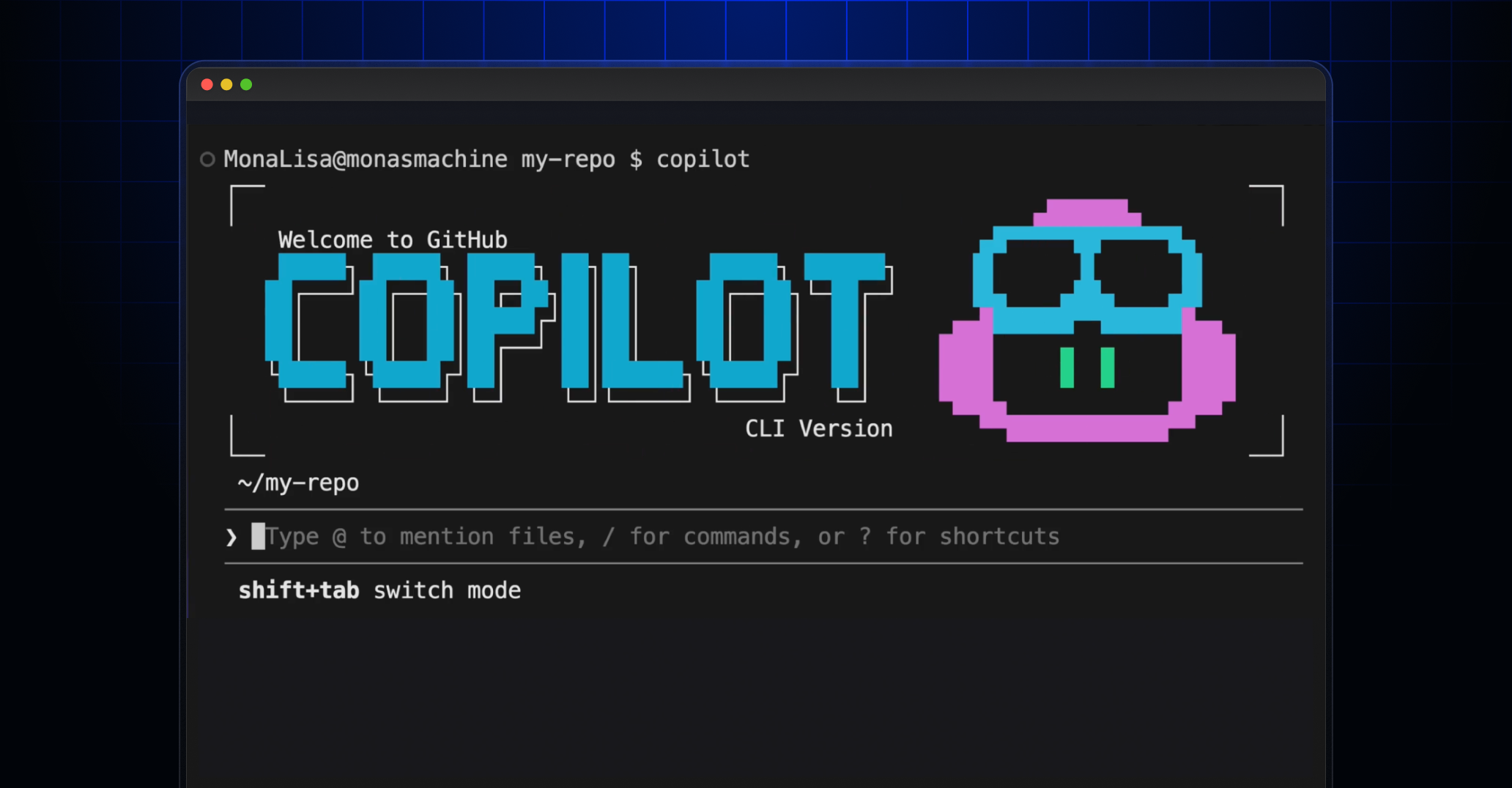
The team started by opening the GitHub Copilot CLI in plan mode using Claude Sonnet 4.6. They typed a high-level request:
“I want to create an AI-powered markdown emoji list generator. In this CLI app, if I paste in or write some bullet points, it will replace those bullet points with relevant emojis and copy the result to my clipboard. I’d like it to use the GitHub Copilot SDK for AI.”
Copilot responded with clarifying questions—covering the tech stack and recommended libraries. Community member Gabor suggested OpenTUI, which was adopted. Copilot then generated a detailed plan.md file for review.

Next, the team implemented the plan using Claude Opus 4.7 (recently released). Within minutes, they had a working terminal UI.
Key Features and Tools Used
The Emoji List Generator showcases several advanced features of the GitHub Copilot CLI:
- Plan mode – guides the user from an idea to a structured plan.
- Autopilot mode – generates code automatically based on the plan.
- Multi-model workflow – combines different AI models (Claude Sonnet for planning, Claude Opus for implementation).
--allow-allflags – permits the tool to install packages and execute commands.- GitHub MCP server – enables Copilot to interact with GitHub repositories and APIs.
Try It Yourself
If you’d like to build a similar project, check out the official documentation:
The Emoji List Generator is available as an open-source repository. Feel free to fork it, contribute, or customize it for your own workflows.
Conclusion
This project demonstrates how quickly you can create a useful, AI-powered CLI tool using the GitHub Copilot CLI and its ecosystem. From planning to implementation, the entire process took under an hour during a live stream. The result is a practical utility that saves time and adds a touch of fun to your social media posts.
Start building your own tools today — all you need is an idea, the Copilot CLI, and a willingness to experiment.