Introduction
Ubuntu 26.04 LTS, codenamed 'Resolute Raccoon', has officially arrived, and upgrades from Ubuntu 25.10 are now live. With support for Ubuntu 25.10 ending this July, users are encouraged to make the move soon to enjoy the latest features and continued security updates. This release, which landed on April 23rd, brings a host of improvements including GNOME 50, Linux 7.0, new default applications, and enhanced developer tooling. In this article, we'll explore the key changes, how to upgrade, and what makes this LTS version a significant step forward.

Key Features of Ubuntu 26.04 LTS
GNOME 50 and Linux 7.0
Ubuntu 26.04 LTS ships with the latest GNOME 50 desktop environment, offering refined performance and a more polished user interface. Under the hood, the Linux 7.0 kernel provides improved hardware support, better power management, and enhanced security for modern systems. These updates deliver a faster, more responsive experience out of the box.
New Default Applications
The release introduces a refreshed set of default applications designed to boost productivity. While specific apps may evolve, the focus is on providing users with modern, lightweight tools that integrate seamlessly with the GNOME desktop. Expect updates to core utilities like the file manager, text editor, and web browser.
Snap Store and Web Searching in GNOME Shell Overview
One of the most visible changes is the integration of the Snap Store and web searching directly into the GNOME Shell Overview. You can now search for software or online content without opening a separate application. This streamlined workflow makes finding and installing apps faster than ever.
Ubuntu Pro in Security Center
Security-conscious users will appreciate the ability to enable Ubuntu Pro directly from the Security Center. This feature simplifies access to extended security maintenance (ESM) and compliance tools, ensuring your system stays protected long after the standard support period ends.
Visual Password Feedback for Sudo
A small but thoughtful addition: when you run sudo commands in the terminal, you now receive visual feedback for password entry. Instead of a blank prompt, you'll see asterisks or dots as you type, reducing errors and improving the user experience for command-line users.
New Folder Icons
The 'Resolute Raccoon' introduces a fresh set of folder icons, giving the file manager a more modern and cohesive look. The icons are designed to be more recognizable at a glance, especially in dark themes.
Developer Tooling: NVIDIA CUDA and AMD ROCm in Archives
Developers will welcome the inclusion of NVIDIA CUDA and AMD ROCm directly in the Ubuntu archives. This means you can install these compute platforms without adding third-party repositories. It's a hassle-free way to set up machine learning, GPU computing, and other acceleration workloads.
How to Upgrade from Ubuntu 25.10 to 26.04 LTS
Since the upgrade path is now open, users running Ubuntu 25.10 can transition to the new LTS release. Follow these steps to perform a smooth upgrade:
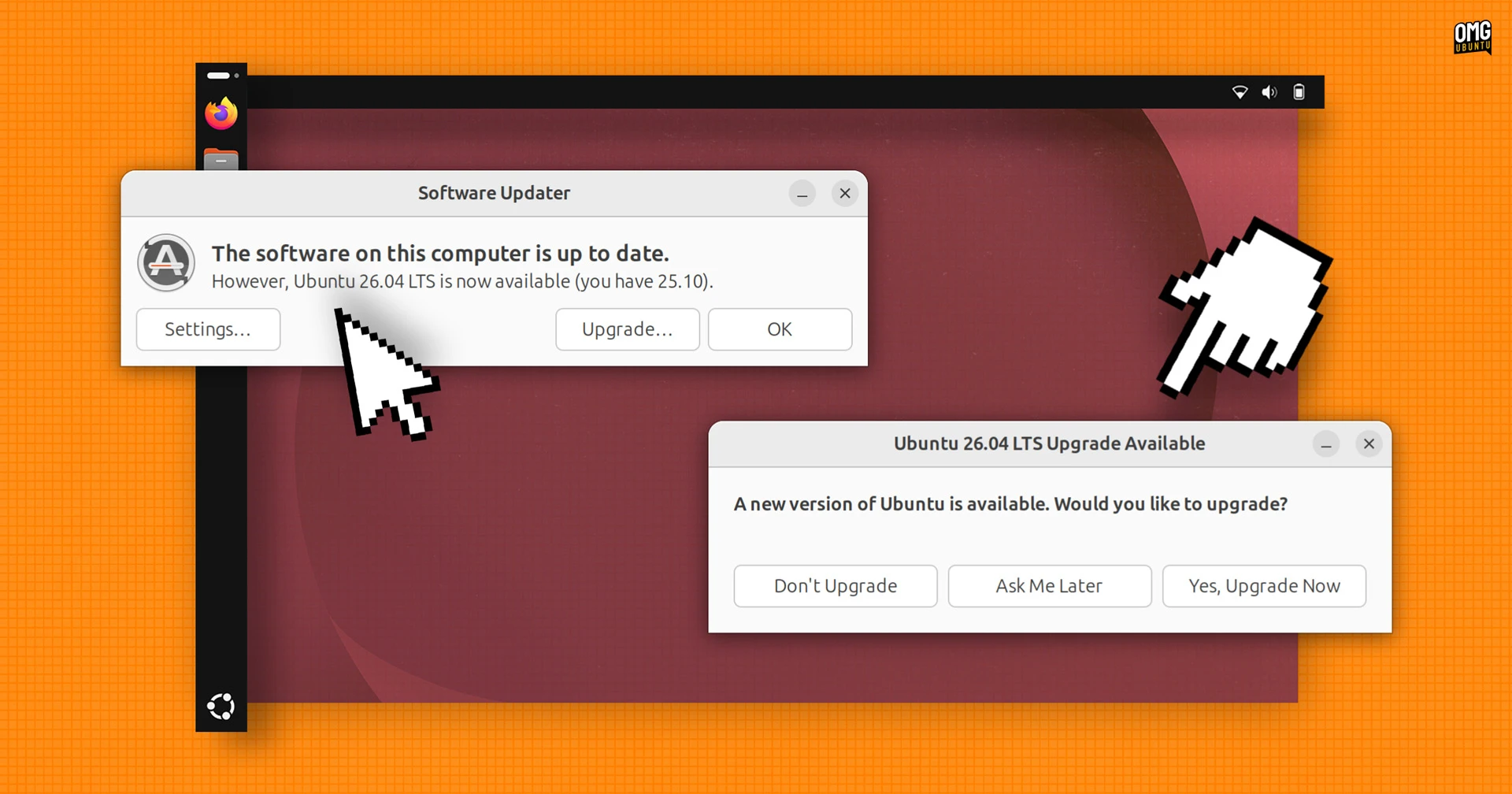
- Back up your data – Always create a full backup of important files before any major upgrade.
- Ensure your system is up to date – Run
sudo apt update && sudo apt upgradeto apply the latest patches. - Open the Software & Updates tool – Under the 'Updates' tab, set 'Notify me of a new Ubuntu version' to 'For any new version'.
- Run the upgrade command – In a terminal, type
sudo do-release-upgrade. Follow the on-screen instructions. - Reboot – Once the upgrade completes, restart your system to boot into Ubuntu 26.04 LTS.
Note: If you prefer a fresh installation, download the ISO from the official Ubuntu website and create a bootable USB. Remember that Ubuntu 25.10 support ends in July, so plan your upgrade before then to continue receiving security updates.
Why You Should Upgrade to Ubuntu 26.04 LTS
Upgrading before the end of support for Ubuntu 25.10 ensures you'll receive critical security patches and bug fixes. But beyond that, the new LTS offers tangible benefits:
- Long-term support – LTS releases are supported for five years, providing stability for production systems and everyday users alike.
- Performance improvements – The GNOME 50 and Linux 7.0 updates bring smoother animations and faster app launches.
- Enhanced developer experience – With CUDA and ROCm in the archives, setting up development environments is easier.
- Modern security features – Ubuntu Pro integration and visual password feedback help keep your system secure.
Conclusion
Ubuntu 26.04 LTS 'Resolute Raccoon' is a solid release that combines the latest desktop and kernel technologies with practical enhancements. Whether you're a casual user or a developer, the upgrade is worth your time. Start your upgrade today to take advantage of the new features and ensure your system remains supported beyond July.
For more details on specific changes, refer to the official Ubuntu release notes.